Escape Road City 2 puts you behind the wheel of a getaway car after a bank robbery, with police cruisers closing in from every side. What sets it apart is simple: when your ride is wrecked, you hop out and grab another one. AZ Games released this urban chase sequel in 2025, and it runs directly in the browser on Unity WebGL.
The pace is quick and the city is tight. You weave through traffic, dodge roadblocks, and decide every few seconds whether to push your car or abandon it. One bad turn into a wall can end a run in the first game, but here you get a second chance.
Ready to test your nerve? Play Escape Road City 2 online right here and see how long you can stay free.
Escape Road City 2 Mechanics and Vehicle Hijacking
Dynamic Car Swapping Under Fire
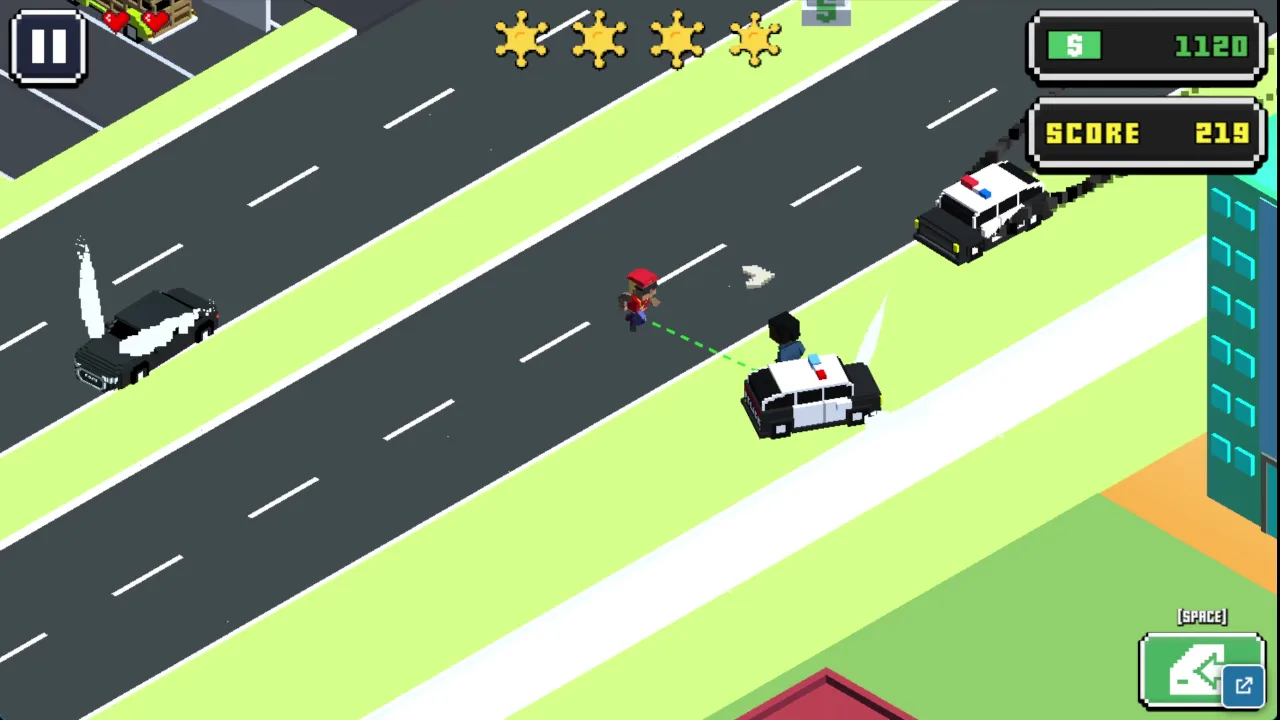
Smoke pouring from your hood means one thing: get out. Press Spacebar on keyboard, or tap the car door icon on mobile, and your driver jumps out on foot. Then look for another vehicle close by and take it.
The game offers civilian and service vehicles to hijack, so you are never stuck with one ride. Each swap resets your pursuit momentum and gives you a fresh set of wheels. Skilled players rotate through cars the way other racers rotate through lives, stretching one chase across several vehicles.
Timing matters. Bail too early and you waste a decent car. Bail too late and the explosion or the cruisers catch you first.
Metropolitan Hazards and Escape Navigation
Avoiding Roadblocks and Tight Choke Points
Line up your car early and hit the ramp at full speed. A weak approach drops you short, and a car stuck in an obstacle is a car about to be surrounded.
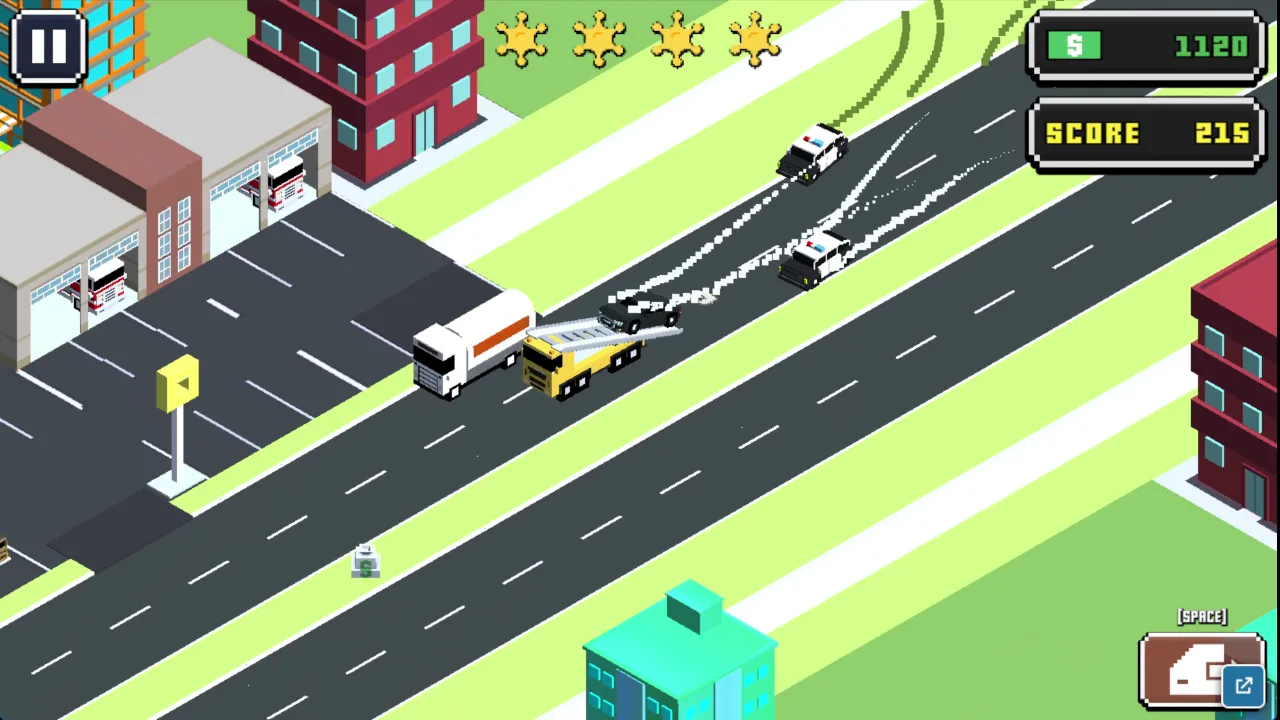
Flying bridges also work as shortcuts between districts. They let you cut across the city instead of running the same congested streets. Land cleanly so you keep your speed, since a hard landing gives the cruisers time to catch up.
Roadblocks are the bigger danger. Heavy barricades show up at busy intersections, often with little warning. Watch the horizon ahead of you and read the pattern of lights and vehicles before you commit to a crossing.
If a blockade sits across your lane, do not slam into it. Veer into a side passage or an open plaza instead. Pedestrian walkways can also bypass cruisers waiting at critical crossroads, as long as you swerve onto them with room to spare.
Choke points punish hesitation. Pick your exit before you reach the intersection, then commit. Hard braking at the last second usually costs you more than a clean turn would. Want to practice these routes? Try Escape Road City 2 right here and learn where the bridges lead.
Mastering Pursuit Pressure in Escape Road City 2
Evading Ground Cruisers and Tactical Units
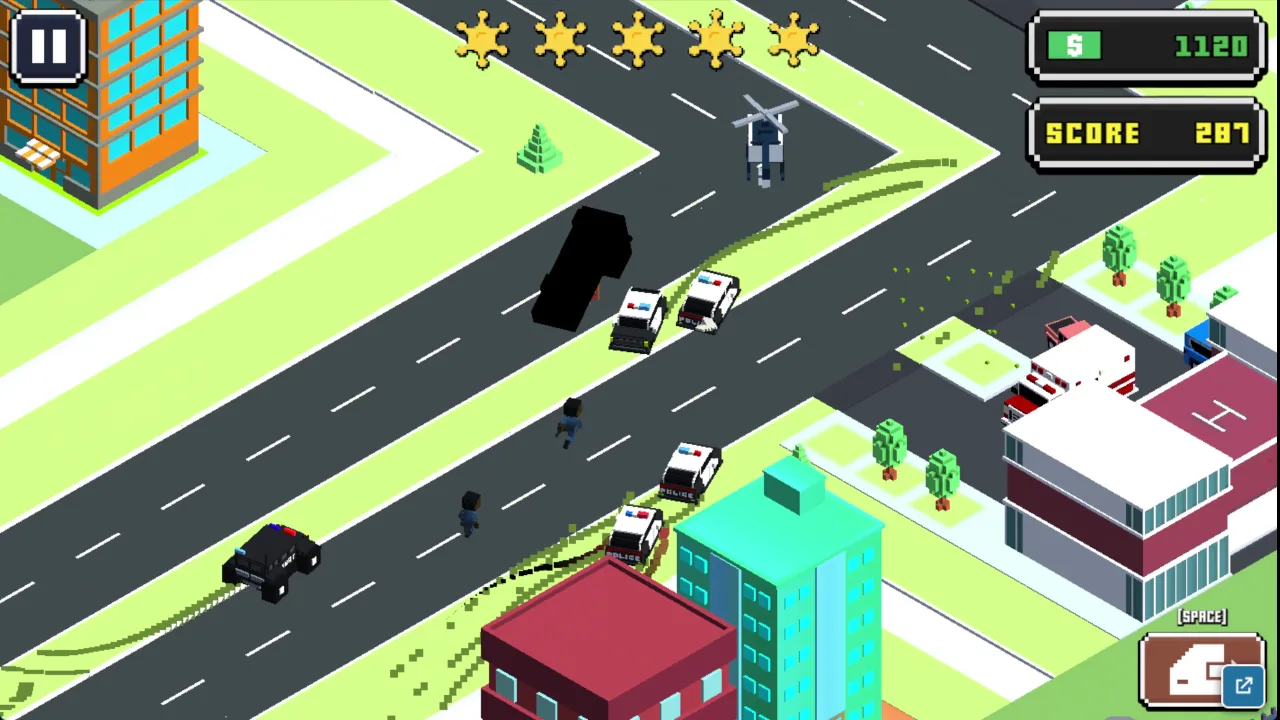
The police in this game are aggressive. Cruisers chase you across the whole map and try to wedge your car against walls and corners. Tactical units add another layer, because they are the ones that reach a driver who steps out on foot.
Your best defense is variety. Change direction often, use alleys to shake line of sight, and avoid driving in long predictable lines. Collisions with cruisers and barriers add up as damage, so every scrape costs you.
Jumps help too. Cruiser pathfinding struggles when you take elevated leaps, so a clean jump across a gap can leave the pack scrambling behind you. Use ramps as escape tools, not just shortcuts.
Comparing Escape Road City 2 to Previous Releases
Transitions from Escape Road 1
You can still lose, but a bad crash is now a problem to solve instead of a game over.
Expanded Map Freedom and Movement
The sequel opens up the map with a metropolitan layout, flying bridges, and jump ramps. You have more routes to choose from and more ways to lose a pack of cruisers. Movement feels freer because the city itself offers escapes.
Every run continues until capture or total vehicle destruction. Collisions with barriers and cruisers inflict cumulative damage, so small hits add up. A smoking chassis signals imminent explosion, and that is your cue to leave the car right away with Spacebar or the door icon.
Do not wait to see how much more the car can take. Once the smoke starts, your best move is to find a replacement vehicle nearby and keep the chase going.
Police Interception and Busted States
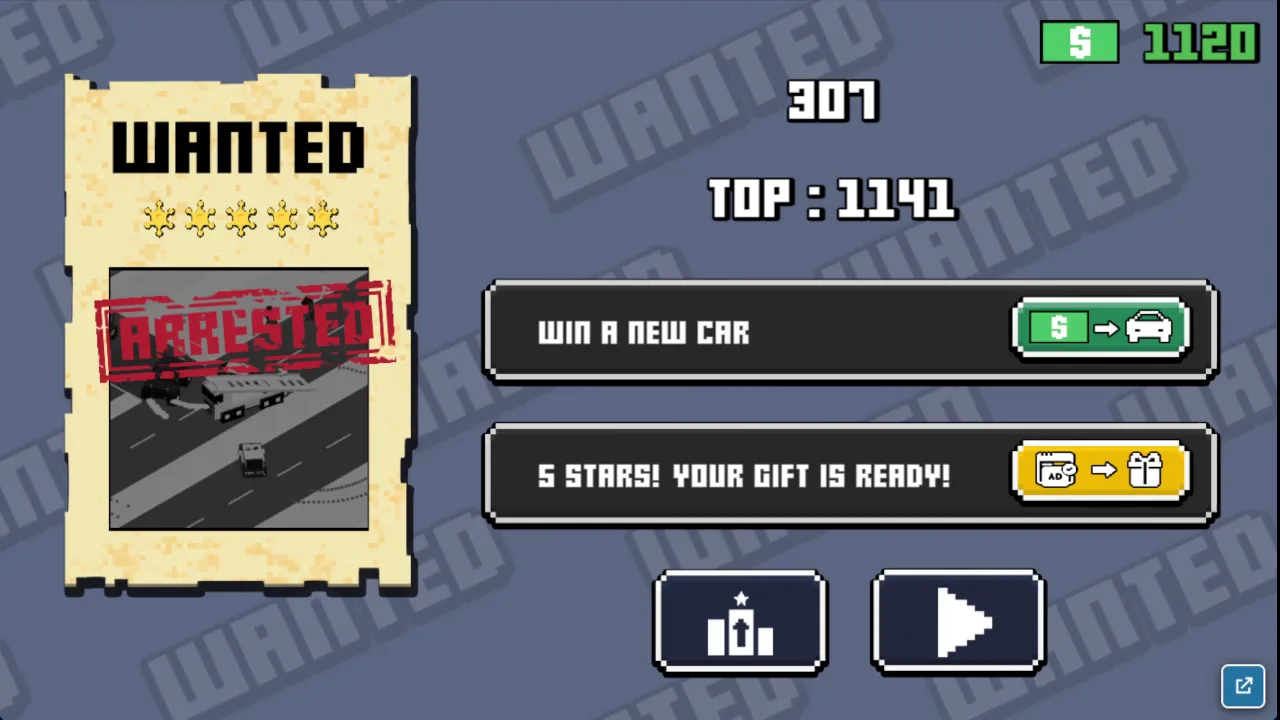
Busted happens when your car stays boxed in for several seconds. Cruisers surround your doors and block both exit and forward motion. Keep your wheels spinning even when pinned, because movement can break you out of an arrest zone.
On foot, you are completely exposed. Tactical units can intercept a runner without vehicle cover, so find a new car within seconds.
✨ Key Features of Escape Road City 2
Urban getaway driving with aggressive AI police cruisers
Dynamic vehicle entry and exit on foot via Spacebar
Metropolitan map featuring flying bridges and jump ramps
Multiple civilian and service vehicle hijacking options
Instant browser play powered by Unity WebGL
How to Play Escape Road City 2
Step 1: Start the Chase
Accelerate immediately using WASD or Arrow Keys as soon as the getaway car spawns outside the bank.
Step 2: Break Pursuit Trajectories
Make sharp 90-degree turns at intersections to cause chasing police cruisers to overshoot and crash into buildings.
Step 3: Bail Out When Damaged
Press the Spacebar to dismount your car if it catches fire, flips over, or gets trapped against heavy roadblocks.
Step 4: Hijack a Replacement Car
Sprint on foot to an adjacent vehicle and press Spacebar again to take control before officers tackle you.
Step 5: Utilize Aerial Roadways
Hit flying bridge ramps at full throttle to jump across water and district gaps to reset police pressure.
Escape Road City 2 FAQs
What are the basic controls for Escape Road City 2?
Browser keyboard: WASD — drive the car; arrows — drive the car; Spacebar — enter or exit the vehicle. Mobile: Swipe Left or Right — drive the car; Tap the car door icon — enter or exit the vehicle.
Can I play Escape Road City 2 on mobile devices?
Yes. Escape Road City 2 runs in your phone or tablet browser, and it has touch controls. There is also a mobile app.
Do I need to download Escape Road City 2?
No. Escape Road City 2 runs in your browser on this page, with nothing to download or install.
How does a run end in Escape Road City 2?
A run ends when police vehicles box you in until your movement stops, triggering an arrest. Runs also terminate if your vehicle explodes from severe crash damage before you can safely bail out.
Can you hijack other vehicles during a chase?
Yes, pressing Spacebar allows you to exit your current vehicle on foot. You can approach another vehicle and enter it to continue your getaway with fresh durability.
Conclusion
Escape Road City 2 is a police chase racing game from AZ Games, released in 2025 and built with Unity WebGL. Its standout feature is vehicle bailing and hijacking: when your car is damaged or trapped, you can hop out and commandeer another one nearby, keeping a run alive that would otherwise end.
Controls are simple to pick up. Drive with WASD or the arrow keys and press Spacebar to enter or exit a vehicle, or swipe left or right and tap the car door icon on mobile. It runs in your browser, so there is nothing to install. Jump in and play Escape Road City 2 here, right on this page.
Escape Road City 2 Game Image
Game Controls
WASD
Drive the car
arrows
Drive the car
Spacebar
Enter or exit the vehicle
Swipe Left or Right
Drive the car
Tap the car door ico
Enter or exit the vehicle
No comments yet. Be the first to share your thoughts!



No comments yet. Be the first to share your thoughts!